Swarm
Omnipin supports uploading on the Swarm decentralized network via Swarmy and a Bee node.
Swarmy
- API token env variables:
OMNIPIN_SWARMY_TOKEN - Supported methods: Upload
Omnipin supports uploading on the Swarm decentralized network via Swarmy, a storage provider. A website cannot be uploaded to both Swarm and IPFS at the same time, so when opting in for Swarmy, other providers will be ignored.
Setup
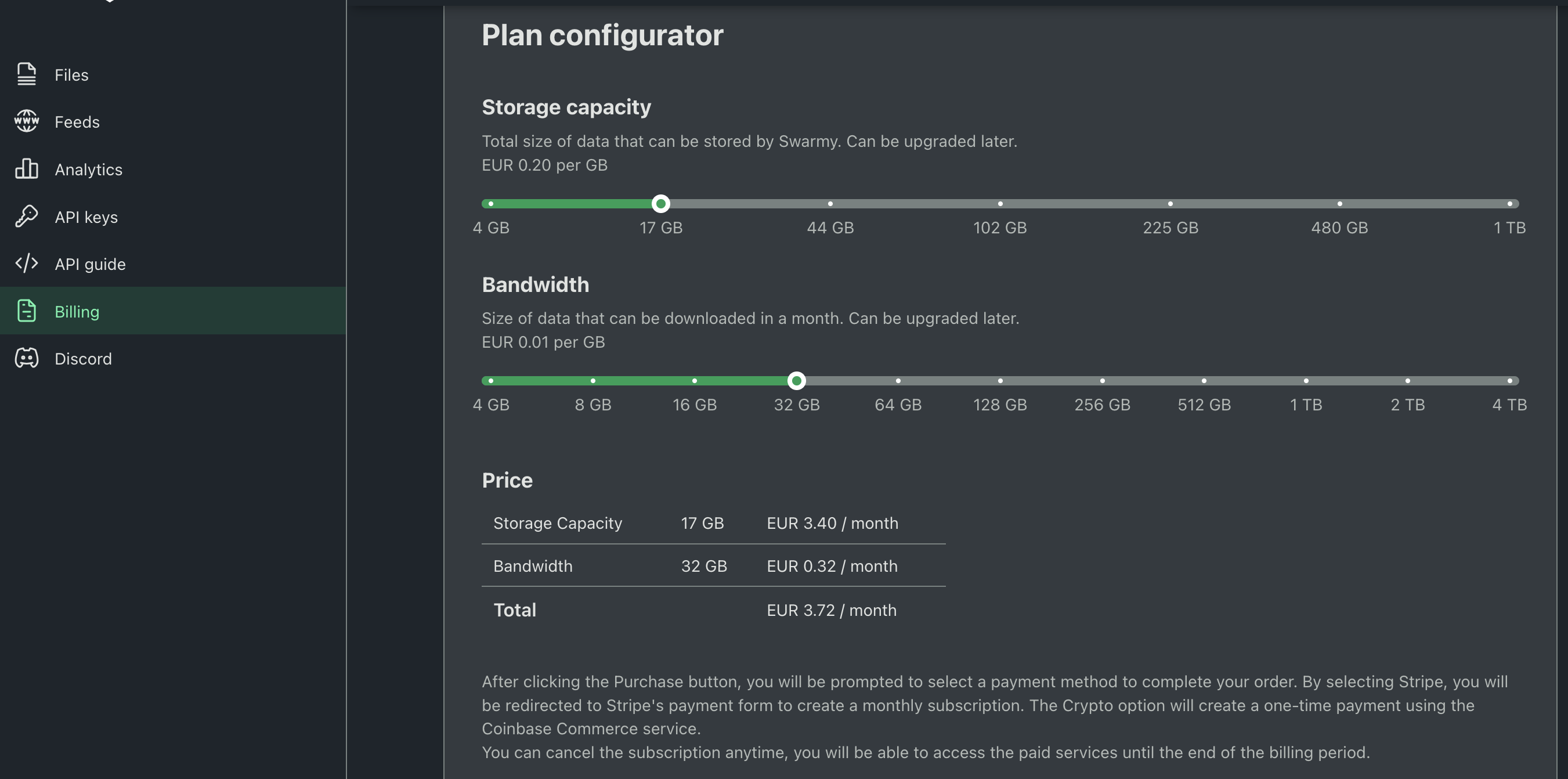
To use Swarmy, you need to create an account on Swarmy. Afterwards, you should request a storage quota on the "Billing" page.
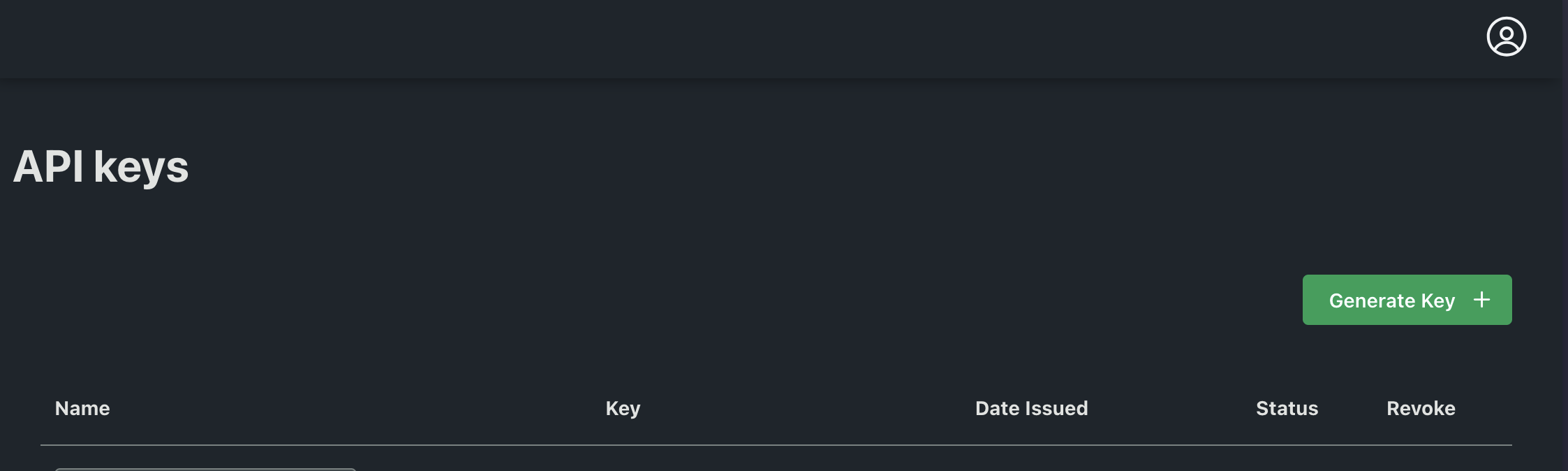
After receiving your storage quota, generate an API key from the "API Keys" section.
Running the deployment
Once you have your API key, put it in the environment variables:
OMNIPIN_SWARMY_TOKEN=123...Then run the deployment command:
omnipin deploy --ens omnipin.eth --safe eth:0x...Bee node
- API token env variables:
OMNIPIN_BEE_TOKEN,OMNIPIN_BEE_URL(optional, defaults tohttp://localhost:1633) - Supported methods: Upload
Running a Bee node
Install Bee for your platform, then create a minimum viable configuration at ~/.bee.yaml:
full-node: false
mainnet: true
password: password
blockchain-rpc-endpoint: "https://rpc.gnosischain.com"
swap-enable: true
verbosity: 4
welcome-message: "welcome-from-the-hive"
warmup-time: 10s
bootnode: /dnsaddr/mainnet.ethswarm.org
This runs Bee as a light node on Swarm mainnet, using the public Gnosis Chain RPC. For production use, point blockchain-rpc-endpoint at your own RPC provider (e.g. Gateway.fm, Ankr, or a self-hosted Nethermind/Erigon node) — the public endpoint is rate-limited and Bee will misbehave under throttling.
Start the node:
bee start --config ~/.bee.yamlOn first start, Bee will print your node's Ethereum address. Wait until the node is running, then check the address via the debug API:
curl -s http://localhost:1633/addresses | jq .ethereumFunding the node
Bee needs both xDAI (for gas) and xBZZ (for postage stamps and SWAP) on Gnosis Chain. The easiest way to get both is via the official faucet/funding tool at fund.ethswarm.org:
- Open fund.ethswarm.org.
- Paste your node's Ethereum address.
- Pay with any supported asset/network — the service handles cross-chain swaps and delivers xDAI + xBZZ directly to your node's address on Gnosis Chain.
Once the funds arrive, Bee will automatically deposit BZZ into the chequebook contract.
Buying a postage stamp batch
- Calculate the amount and depth parameters using the batch calculator. Select how much storage you need and for how long you would like your website to stay on the network. It is possible to top up a batch later.
- Buy a postage stamp batch for the Bee node. The easiest way is via swarm-cli:
npx @ethersphere/swarm-cli stamp create --amount <amount> --depth <depth>pnpm dlx @ethersphere/swarm-cli stamp create --amount <amount> --depth <depth>bunx @ethersphere/swarm-cli stamp create --amount <amount> --depth <depth>deno run -A npm:@ethersphere/swarm-cli stamp create --amount <amount> --depth <depth>Or directly via the Bee API:
curl -sX POST http://localhost:1633/stamps/<amount>/<depth>
# {
#   "batchID": "8fc...8552c6b", <-- you need this
#   "txHash": "0x51c77...907b675"
# }
Add the batch ID to the environment variables:
OMNIPIN_BEE_TOKEN=8fc...8552c6b
# OMNIPIN_BEE_URL=http://localhost:1633  # optional, this is the default
Set OMNIPIN_BEE_URL only if your Bee node is not running on http://localhost:1633.
Then run the deployment command:
omnipin deploy --ens omnipin.eth --safe eth:0x...